How Do You Automate HR Reporting?
HR reporting can be automated by connecting data from your existing HR systems, standardizing workforce metrics, and automatically updating dashboards and reports from a centralized analytics environment.
Instead of manually exporting data from an HRIS, payroll system, applicant tracking system, or other HR platforms into Excel, automated HR reporting creates a structured data flow between your systems and your reporting environment.
The result?
Less time preparing reports. More consistent HR metrics. Faster access to workforce insights.
But the real value isn’t faster reporting. It’s giving HR leaders more time to understand workforce trends, anticipate risks and make better decisions.
For many HR teams, the objective is not to produce more reports.
It is to spend less time building reports and more time using HR data to support decisions.
What Is HR Reporting Automation?
HR reporting automation is the process of reducing the manual work required to collect, consolidate, calculate, update, and distribute HR reports.
A traditional HR reporting process often looks like this:
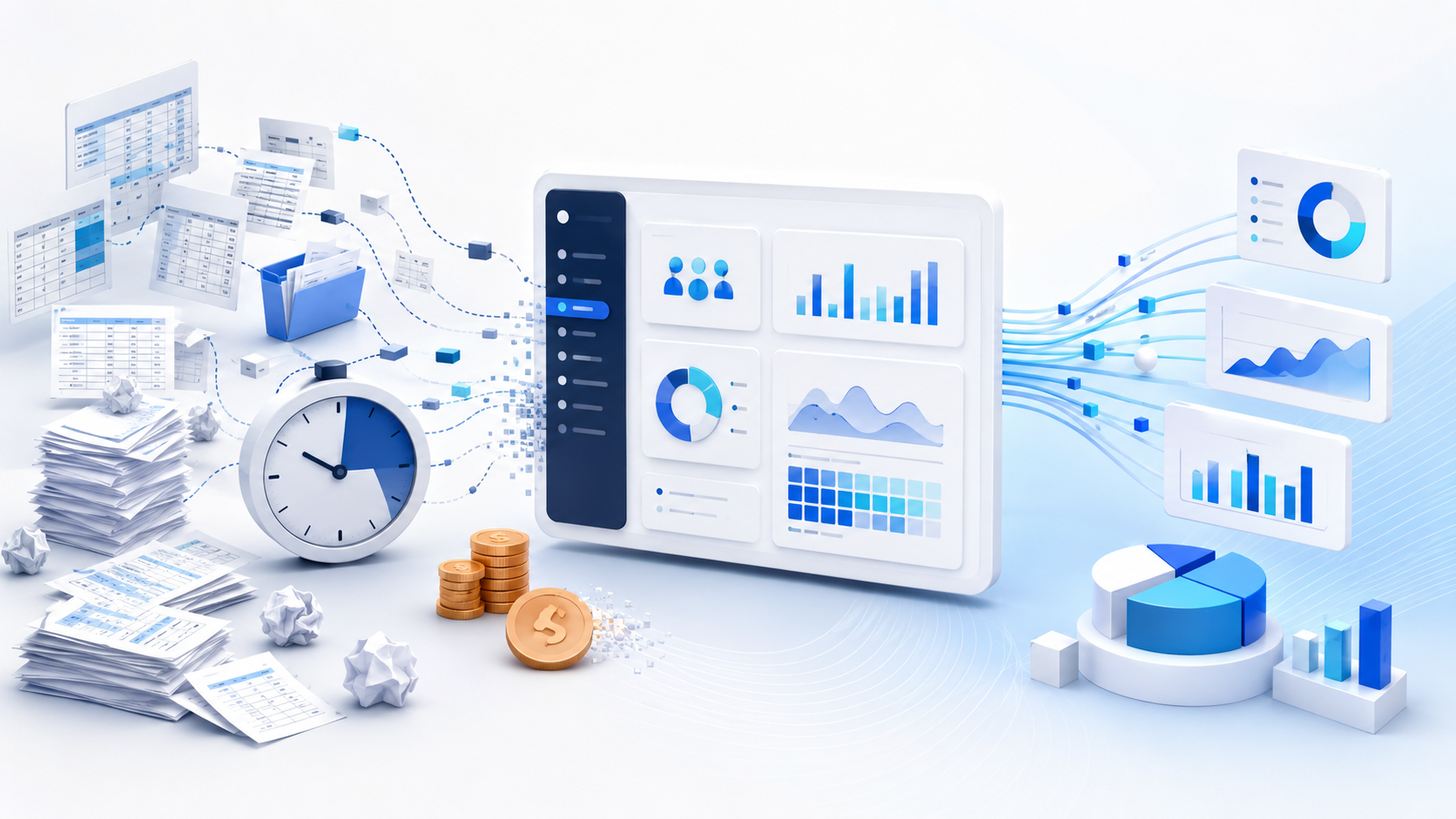
HRIS → Export data → Payroll export → ATS export → Excel → Clean data → Reconcile numbers → Calculate KPIs → Build report → Share report
An automated HR reporting process looks more like this:
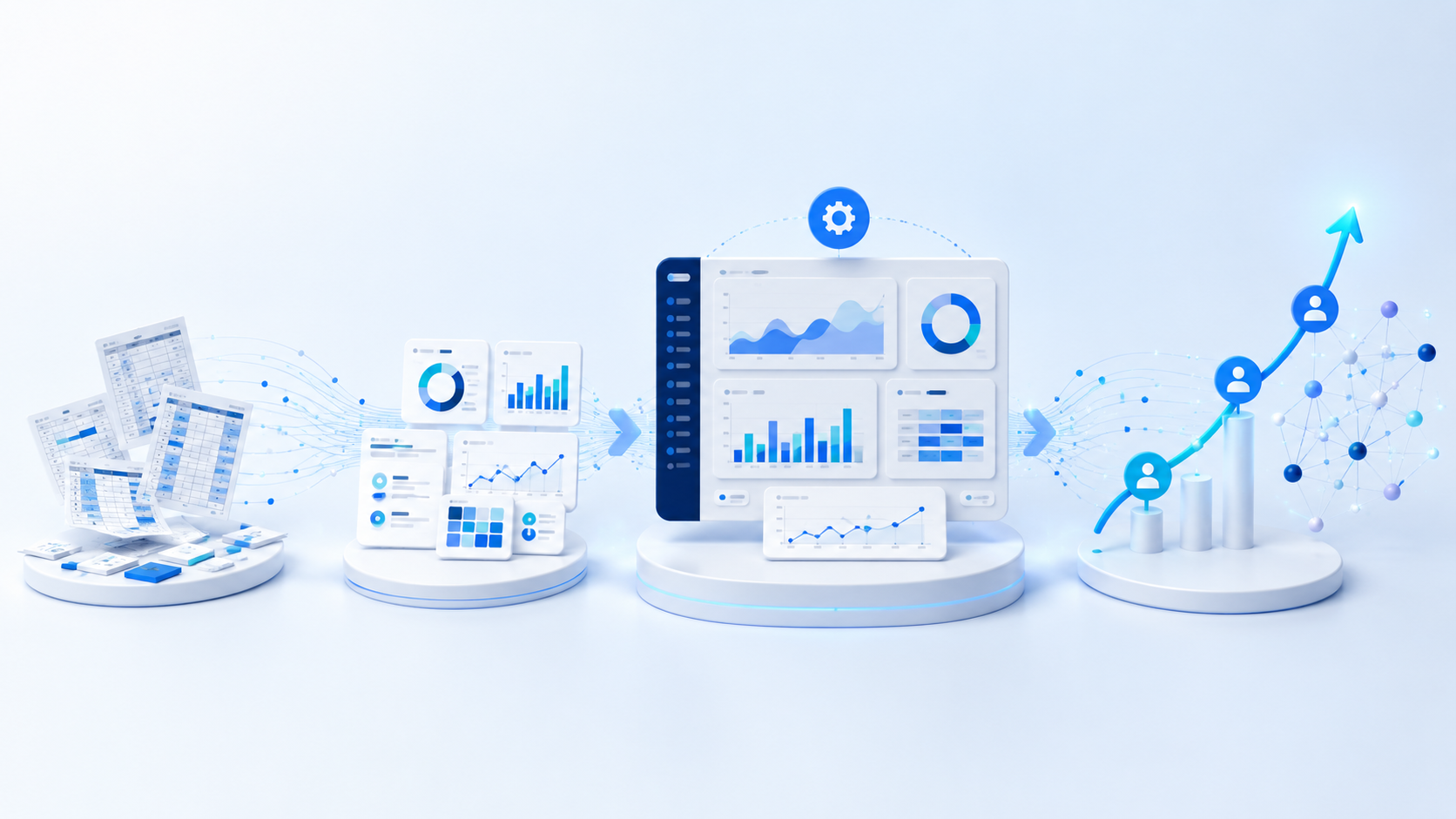
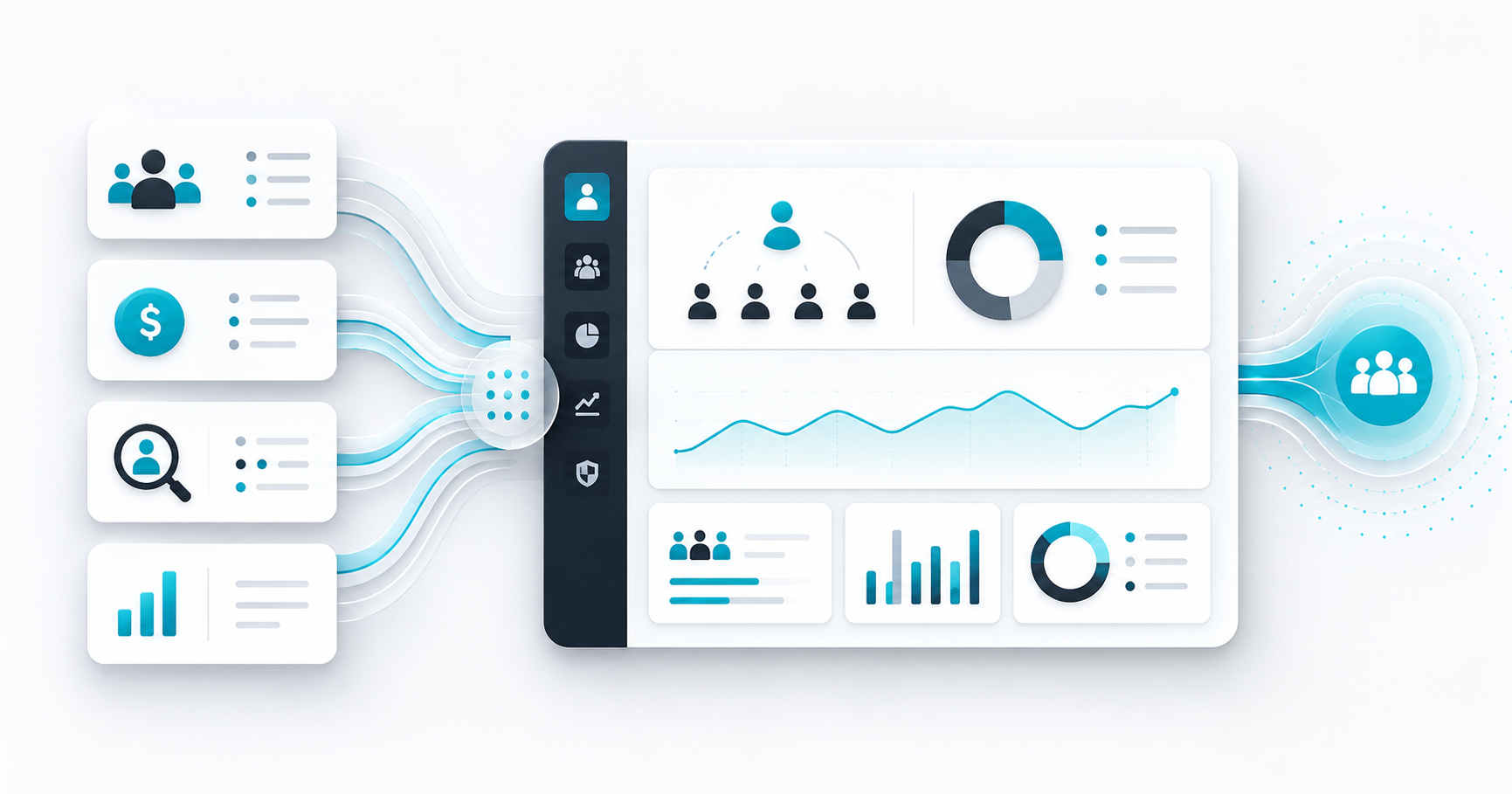
HR systems → Unified analytics layer → Standardized HR KPIs → Automated dashboards and reports
The key difference is not simply the dashboard.
It is the data process behind the dashboard—and the ability to transform workforce data into trusted insights that support better decisions.
When workforce data is automatically consolidated and HR metrics are consistently defined, HR teams no longer need to rebuild the same reporting process every month.
Why Is HR Reporting Still So Manual?
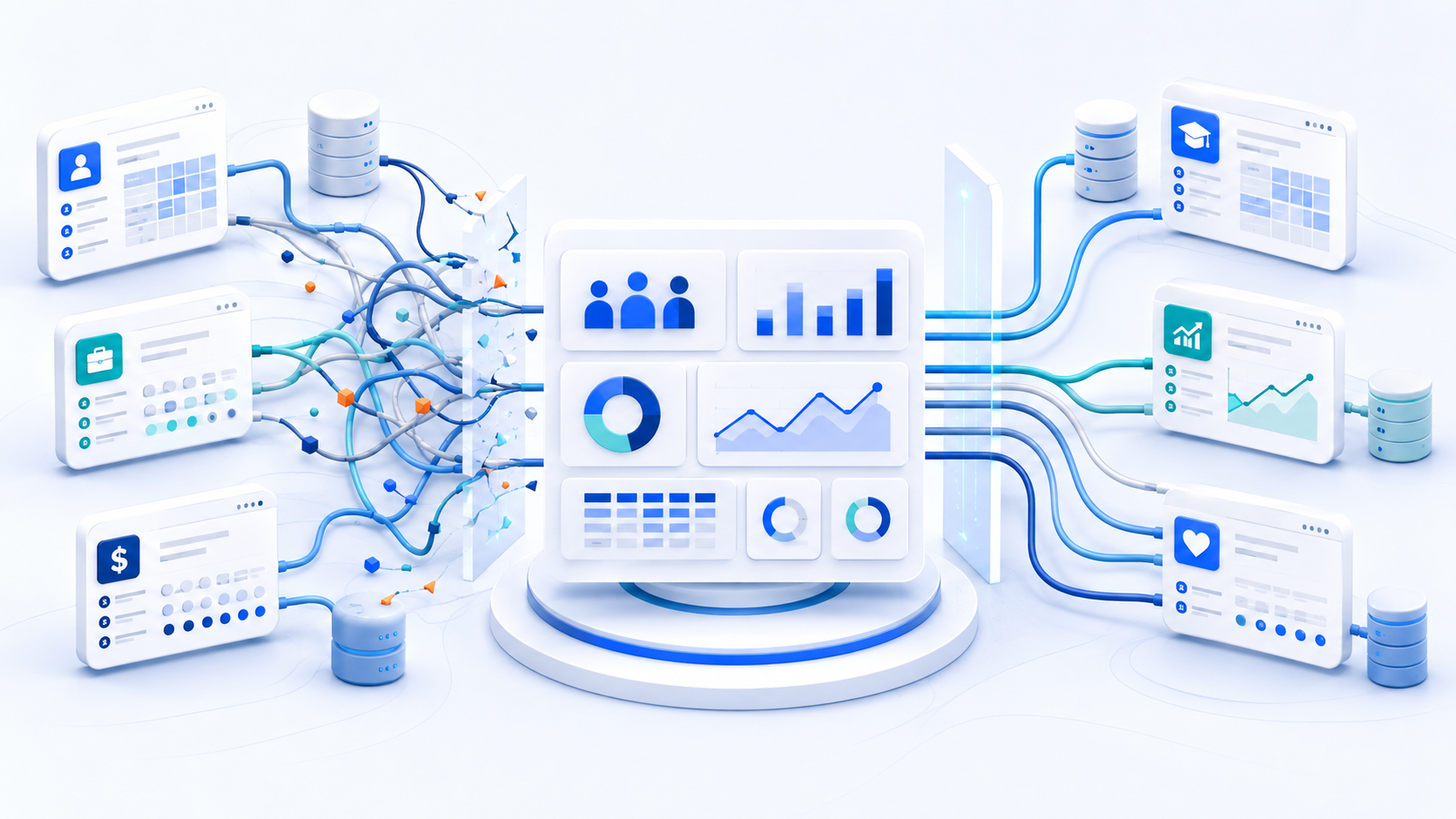
The main challenge is often HR data fragmentation.
Most mid-sized and large organizations use several HR technologies.
These may include:
- — Human Resources Information Systems (HRIS)
- — Payroll platforms
- — Applicant Tracking Systems (ATS)
- — Learning Management Systems (LMS)
- — Time and attendance systems
- — Benefits platforms
- — Performance management tools
- — Engagement and survey platforms
- — Excel and CSV files
Each system manages a specific part of the employee lifecycle.
The problem appears when HR needs to answer questions that require data from more than one system.
For example:
- — Is turnover higher in departments with elevated absenteeism?
- — How does employee tenure affect voluntary turnover?
- — Are recruitment delays affecting workforce capacity?
- — Which locations are experiencing the highest workforce movement?
- — How are training, internal mobility, and retention connected?
Answering these questions may require data from an HRIS, payroll platform, ATS, LMS, and other sources.
Kara Analytix’s current platform model is built around this exact challenge: connecting HRIS, payroll, recruitment, training, survey, and other workforce data into a unified analytical environment.
Without a centralized reporting layer, HR teams often become the integration layer themselves.
They export the data.
They clean the spreadsheets.
They reconcile conflicting numbers.
They rebuild the report.
And then they repeat the process next month.
By the time the report is complete, much of HR’s effort has already been invested in preparing the data instead of interpreting what it means.
What Parts of HR Reporting Can Be Automated?
Most recurring HR reporting processes contain several steps that can be automated.
1. HR data collection
Data can be connected or securely transferred from existing HR systems into a centralized reporting environment.
Instead of manually downloading multiple files every reporting cycle, workforce data can be refreshed at a predefined frequency.
2. Data consolidation
Employee data from different HR systems can be brought together into a unified analytical model.
This is especially important when information about the same employee exists across payroll, recruitment, learning, time and attendance, and other systems.
3. HR KPI calculations
Once the data is structured, recurring HR metrics can be calculated consistently.
Examples include:
- — Headcount
- — Workforce movement
- — Turnover
- — Voluntary turnover
- — Retention
- — Absenteeism
- — Overtime
- — Time to hire
- — Cost per hire
- — Internal mobility
- — Training
- — Engagement
Standardized metric definitions are critical. Kara Analytix, for example, currently provides more than 350 built-in HR KPIs designed to remain consistent across connected data sources.
4. Dashboard updates
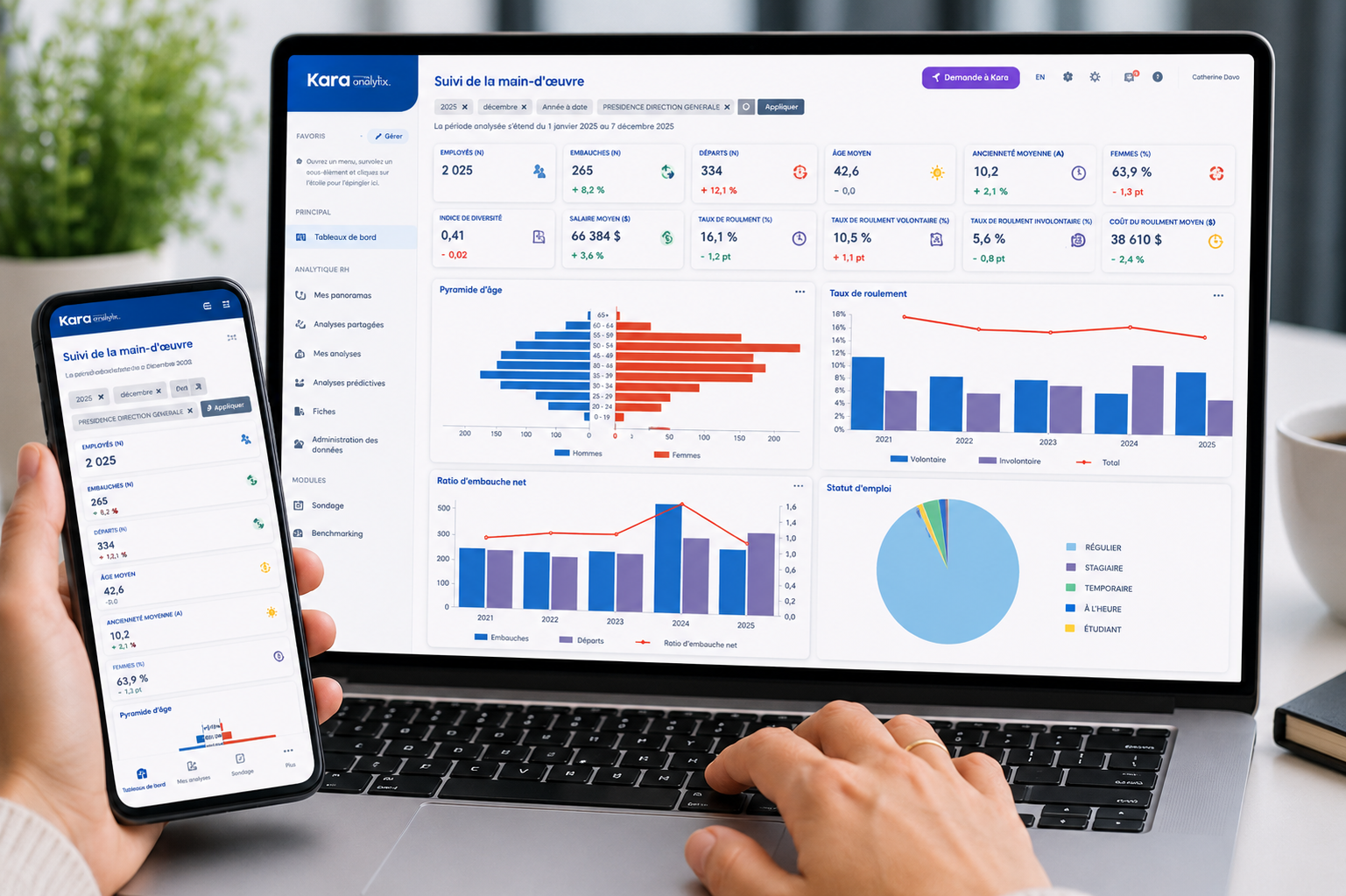
HR dashboards can automatically refresh as new workforce data becomes available.
Instead of rebuilding a monthly report, HR teams can work from continuously updated analytical views.
5. Report access and distribution
Managers and HR leaders can access the workforce information relevant to their roles through dashboards and configured analytical views.
This reduces the number of recurring requests sent to HR for manually prepared reports.
How Do You Automate HR Reporting? A 5-Step Process
Automating HR reporting does not start with choosing a dashboard.
It starts with understanding the current reporting process.
Step 1: Identify recurring HR reports
Start by identifying reports that HR prepares repeatedly.
Common examples include:
- — Monthly headcount reports
- — Turnover reports
- — Absenteeism reports
- — Recruitment dashboards
- — Workforce movement reports
- — Training reports
- — Executive HR dashboards
Ask a simple question:
Which reports require the same manual work every week, month, or quarter?
These are usually the strongest candidates for automation.
Step 2: Map your HR data sources
Identify where the data required for each report currently lives. For example:
| HR Data | Common Data Source |
| Employee information | HRIS |
| Compensation and payroll | Payroll system |
| Recruitment | ATS |
| Training | LMS |
| Absence and working time | Time and attendance system |
| Engagement | Survey platform |
| Historical reporting | Excel or CSV files |
This exercise often reveals the real reporting problem.
The organization may already have the data it needs.
The data is simply spread across multiple systems.
Step 3: Standardize your HR metrics
Before automating a KPI, the organization must clearly define it.
Consider turnover.
Questions may include:
- — What counts as a departure?
- — Are involuntary departures included?
- — How is average headcount calculated?
- — Are temporary employees included?
- — Which reporting period is used?
If two departments calculate the same KPI differently, automation will not solve the underlying problem. It will simply automate inconsistent numbers.
This is why standardized definitions and data governance are essential foundations for reliable HR reporting. Kara’s own HR metrics guidance similarly emphasizes standardized metrics and reporting consistency.
Step 4: Centralize your HR reporting data
The next step is to consolidate workforce data into a unified analytics environment.
This does not necessarily mean replacing your HRIS. Your HRIS, payroll platform, ATS, LMS, and other systems can continue managing their respective HR processes.
A People Analytics layer sits across the existing HR technology ecosystem and structures the data for analysis.
The objective isn’t simply to centralize data. It’s to create a trusted analytical foundation that enables HR and business leaders to answer complex workforce questions with confidence.
Step 5: Automate dashboards and recurring reports
Once the data is connected, structured, and standardized, dashboards and recurring HR reports can update automatically.
HR teams can then shift their time from:
Extracting → Cleaning → Reconciling → Rebuilding
to:
Analyzing → Understanding → Recommending → Deciding
That shift is where People Analytics creates the greatest value.
The goal isn’t to automate reports for the sake of efficiency. It’s to give HR professionals more time to understand their workforce, support leaders and drive better organizational outcomes.
HR Reporting Automation vs. Manual HR Reporting
| Manual HR Reporting | Automated HR Reporting |
| Manual data exports | Connected data sources |
| Multiple spreadsheets | Unified analytical environment |
| Repeated data cleaning | Structured data processes |
| KPIs calculated manually | KPIs calculated automatically |
| Inconsistent KPI calculations | Standardized KPI calculations |
| Reports rebuilt regularly | Dashboards automatically refreshed |
| HR distributes reports | Configured access to insights |
| Time spent preparing data | More time available for analysis |
Automation does not eliminate the role of HR in reporting.
Instead of spending their expertise preparing data, HR teams can apply it where it creates the greatest value: interpreting workforce trends, advising leaders and supporting strategic decisions.
Do You Need to Replace Your HRIS to Automate HR Reporting?
No. In many cases, HR reporting can be automated without replacing the organization’s existing HRIS.
HRIS and ERP platforms are primarily designed to manage HR transactions and processes such as employee records, payroll, and approvals.
Organizations often encounter reporting limitations when workforce data needs to be analyzed across several systems.
A dedicated People Analytics layer can connect data from the existing HR technology ecosystem and transform it into a structured reporting environment.
Kara Analytix follows this approach: it is positioned as an analytics layer that unifies data from existing systems rather than replacing them.
At Kara Analytix, we see HRIS platforms and People Analytics as complementary — not competing. Operational systems manage HR processes. People Analytics transforms the data they generate into strategic workforce intelligence.
How Do You Know If HR Reporting Should Be Automated?
Your HR reporting process may be a strong candidate for automation if:
- — Your team exports data from several HR systems
- — Excel is required to consolidate workforce data
- — The same reports are rebuilt every month
- — HR metrics differ between reports or departments
- — Managers regularly ask HR to prepare custom reports
- — HR spends more time preparing data than analyzing it
- — Leadership waits days or weeks for workforce information
- — HR depends heavily on IT or BI teams for reporting changes
- — Historical workforce trends are difficult to analyze
- — You are unsure how much time your team spends on reporting
The first step is establishing a clear baseline of the current reporting environment. Kara’s existing guidance on People Analytics maturity similarly recommends assessing whether reporting is structured and automated or manual and time-consuming before defining a roadmap.
How Mature Is Your HR Reporting Process?
HR reporting maturity varies significantly between organizations.
A simplified maturity progression may look like this:
Level 1 — Manual
Reporting relies heavily on spreadsheets and manual data exports.
Level 2 — Structured
Recurring reports and KPI definitions are becoming standardized, but data preparation remains manual.
Level 3 — Automated
Data refreshes, KPI calculations, and dashboards are largely automated.
Level 4 — Strategic
HR teams use integrated workforce data for deeper analysis, forecasting, and predictive People Analytics.
The objective is not to reach the highest maturity level immediately.
The objective is to understand where your organization is today and identify the next practical step.
Frequently Asked Questions About HR Reporting Automation
What is automated HR reporting?
Automated HR reporting is the use of connected workforce data, standardized HR metrics, and automated dashboards to reduce the manual work required to prepare recurring HR reports.
What HR reports should be automated first?
Recurring reports that require significant manual preparation are often the best candidates. Common examples include headcount, turnover, absenteeism, recruitment, workforce movement, and executive HR reports.
Can Excel HR reporting be automated?
Yes. Parts of an Excel-based reporting process can be automated. However, if workforce data is spread across multiple HR systems, the organization may first need to consolidate and standardize its data.
Does HR reporting automation require replacing the HRIS?
No. A People Analytics or HR analytics layer can connect data from existing HR systems and create a centralized reporting environment without replacing the organization’s core HR technology.
What is the difference between an HRIS and an HR analytics platform?
An HRIS primarily manages employee records and HR processes. An HR analytics platform is designed to consolidate, structure, and analyze workforce data to support reporting and decision-making.
How long does it take to automate HR reporting?
The timeline depends on the number of HR systems, data complexity, reporting requirements, and data quality. A focused reporting initiative may be implemented much faster than a broad enterprise analytics transformation. Kara Analytix currently states that its platform can be implemented in less than 45 days, depending on the organization’s environment and scope.
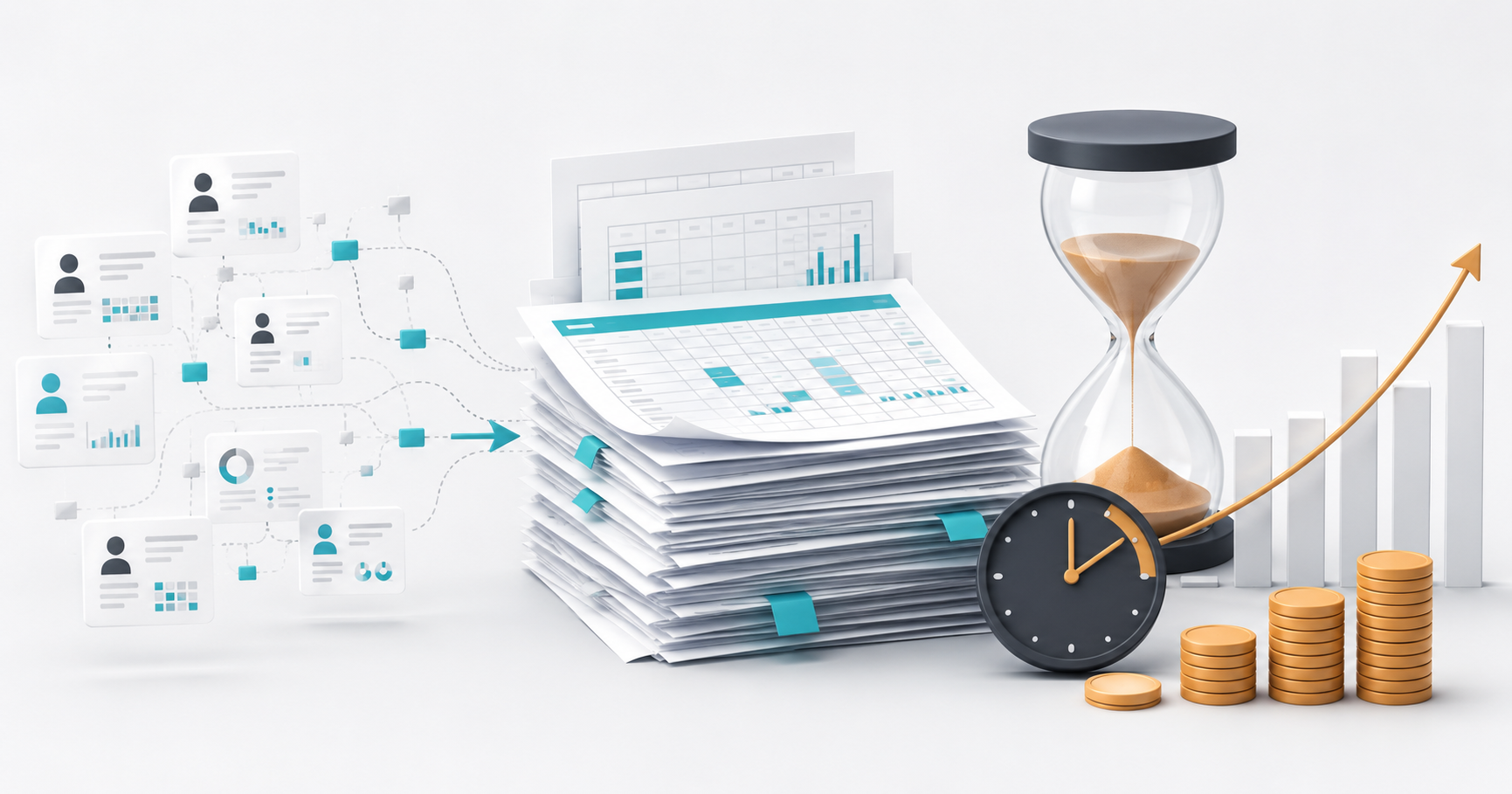
How Much Is Manual HR Reporting Costing Your Organization?
If your HR team is still exporting data, consolidating spreadsheets, and rebuilding recurring reports, the first step is understanding the current reporting process.
Kara Analytix created a free HR Reporting Efficiency Calculator to help HR teams estimate:
- — The annual cost of manual HR reporting
- — Potential efficiency savings
- — Reporting time savings
- — HR reporting maturity
- — Key reporting bottlenecks
It takes approximately two minutes, and your results are generated immediately.